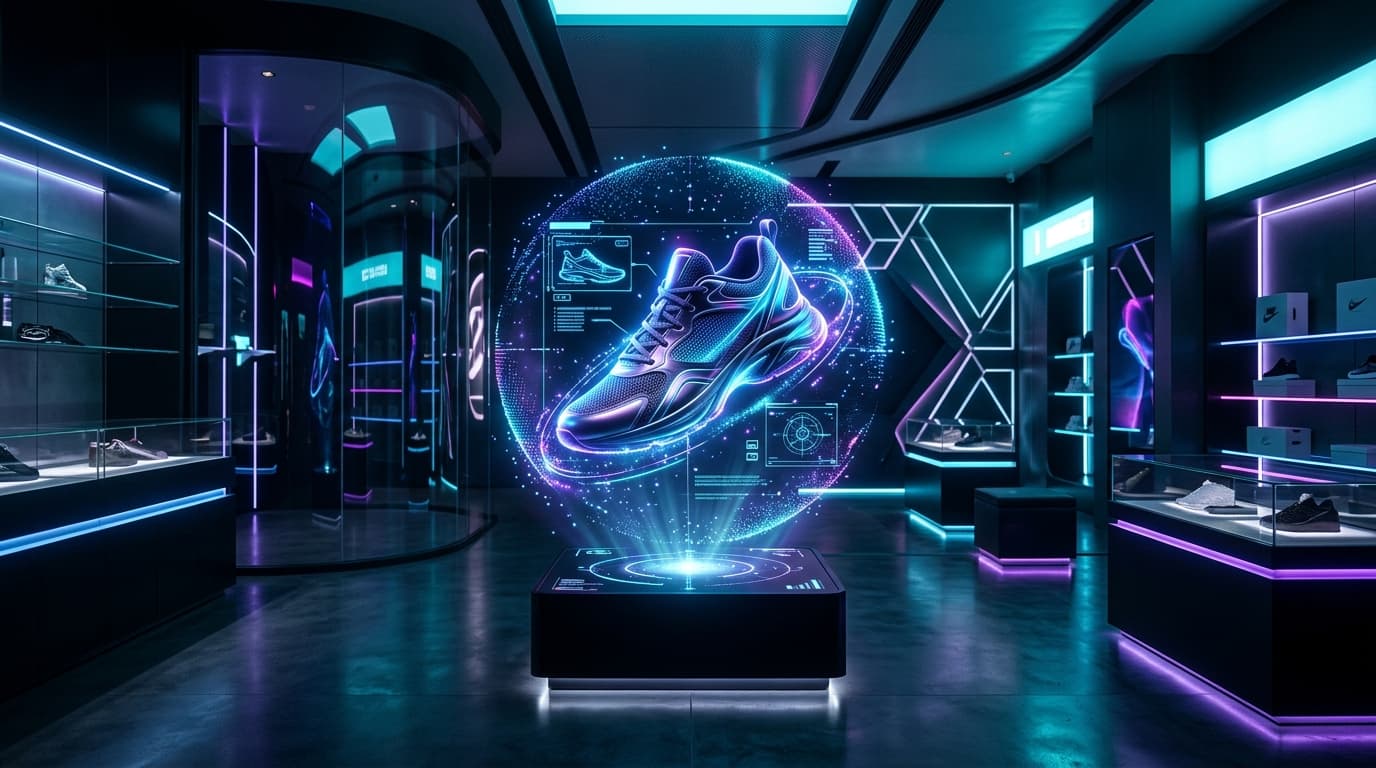
The Rise of Spatial Computing in 2026-2027: Micro-OLED Displays, Neural Gestures, and the Death of Physical Monitors
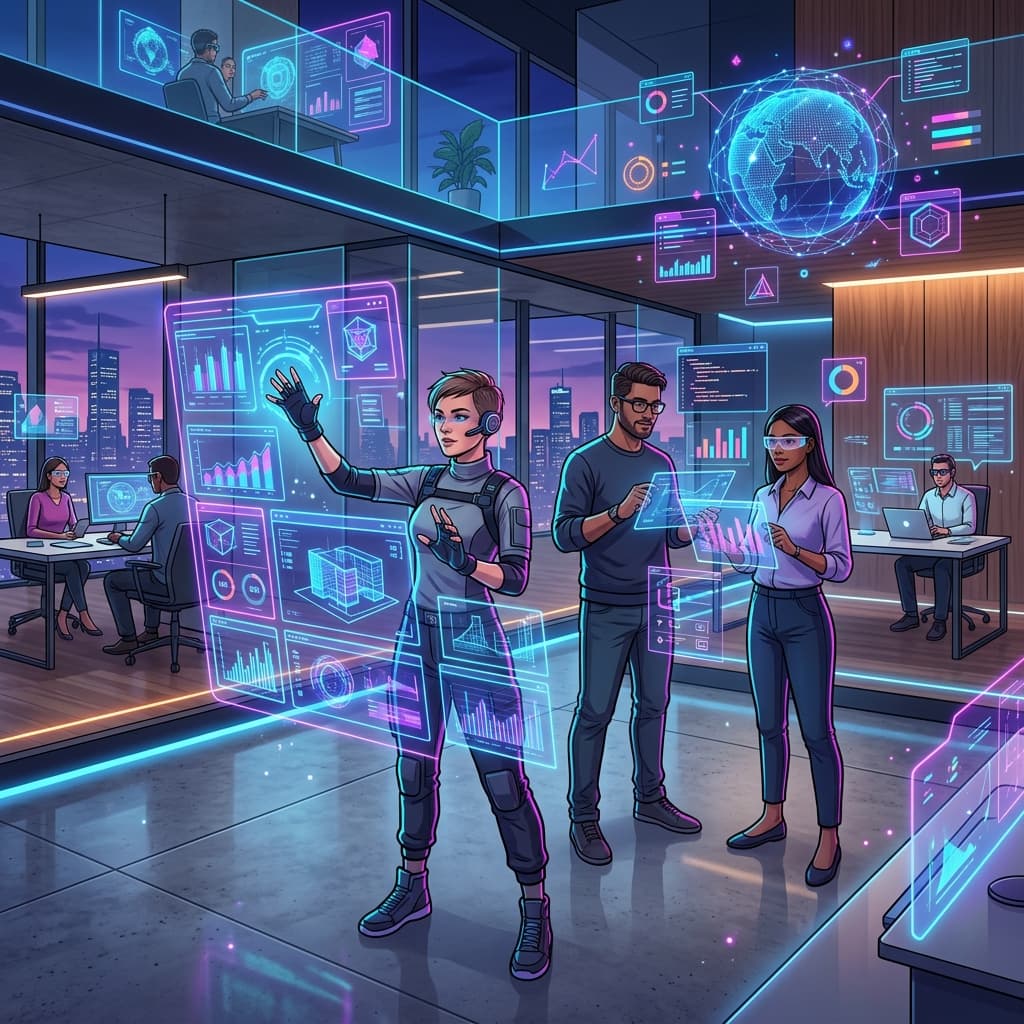
Quick Answer (AEO / GEO Summary): In 2026-2027, Spatial Computing has evolved beyond bulky, isolating virtual reality headsets into high-resolution, lightweight daily computing platforms. Powered by tandem 4K Micro-OLED displays delivering over 50 pixels-per-degree (PPD), real-time LiDAR volumetric meshing, and sub-12ms optical passthrough latency, spatial systems allow knowledge workers to replace multi-monitor desks with infinite, spatially-anchored digital canvases. Input has shifted from physical handheld controllers to multimodal sensor fusion combining precise eye-gaze tracking, acoustic voice dictation, and micro-gesture neural wristbands.
The Paradigm Shift: From Flat Glass to Volumetric Space
For more than fifty years, human interaction with digital information was artificially constrained by rectangular physical screens—from cathode-ray tubes to desktop monitors, laptop panels, and smartphone touchscreens. Every digital asset existed trapped behind two-dimensional glass.
Spatial computing fundamentally dismantles this constraint. Rather than requiring users to stare down into an isolated device, spatial computing weaves digital software applications, documents, data feeds, and 3D architectural models directly into the physical geometry of your actual room:
Physical Room Geometry (LiDAR / SLAM) ───► Volumetric Depth Map ───► Persistent Spatial Anchors ───► Photorealistic Multi-Window Canvas
Digital windows cast dynamic optical shadows on your physical desk, respond realistically to ambient room lighting, and remain permanently anchored in physical space—meaning an engineering schematic left hovering over your office workbench on Monday remains in the exact physical coordinate when you return on Friday.
Technical Comparison: VR vs. AR vs. Spatial Computing
While the terms are frequently conflated, they represent fundamentally distinct technological architectures:
| Specification | Virtual Reality (VR) | Optical See-Through AR | True Spatial Computing |
|---|---|---|---|
| Environmental Context | 100% simulated, opaque virtual worlds; user is completely isolated | Transparent waveguides projecting digital text onto real world | High-fidelity video passthrough merging real and synthetic assets |
| Display Density | 20 – 25 Pixels Per Degree (PPD) (Visible screen door effect) | 30 – 35 PPD (Narrow field of view: $\sim 40^{\circ}$) | $> 50$ PPD (Retina-grade text clarity; zero visible pixels) |
| Depth Sensing & Occlusion | Basic room boundary tracking | Rudimentary planes; synthetic objects float on top of hands | Full real-time LiDAR meshing; physical hands naturally occlude virtual windows |
| Input Modality | Plastic handheld motion controllers with triggers | Voice commands and rudimentary hand-wave gestures | Multimodal fusion: Eye-gaze selection + Neural wristband micro-clicks |
| Primary Utility | Immersive gaming and simulated training simulations | Industrial heads-up guidance and field logistics | Full-time enterprise productivity, CAD engineering, data synthesis |
Critical Hardware Breakthroughs Powering the 2026-2027 Wave
The shift from early enterprise curiosity to mainstream professional adoption has been driven by three fundamental technological leaps:
1. Tandem Micro-OLED Silicon & Pancake Optics
Early headsets suffered from chromatic aberration, edge blur, and low pixel density, making sustained text reading fatiguing. Modern spatial glasses utilize silicon-wafer-backed Micro-OLED panels boasting over 23 million pixels across both eyes. Combined with advanced polarized folded pancake lenses, text rendering matches the razor-sharp clarity of high-end $5\text{K}$ desktop monitors.
2. Sub-12ms Motion-to-Photon Passthrough
Motion sickness in early mixed-reality systems was caused by vestibular-ocular lag—a perceptible delay between physical head movement and the rendered display update. Custom real-time sensor co-processors (such as dedicated R-series silicon) stream camera data to displays in under 12 milliseconds—faster than a human blink—completely eliminating nausea.
3. Foveated Rendering Driven by High-Speed Eye Tracking
Rendering multiple 4K displays simultaneously demands enormous GPU compute. By tracking exact pupil gaze at 120Hz, spatial systems employ foveated rendering: rendering only the specific 2-degree foveal center of your vision in maximum photorealistic resolution, while progressively downsampling peripheral pixels. This slashes graphical processing overhead and power draw by up to $60%$.
The Modern Workspace Revolution: Eliminating Physical Monitors
The most immediate disruption of spatial computing is the complete obsolescence of physical multi-monitor desk setups:
Traditional Desk: $2,500 Multi-Monitor Stand ──► Rigid Fixed Geometry ──► Heavy Physical Footprint
Spatial Canvas: Lightweight Glasses ──► Infinite Floating 4K Panels ──► Completely Mobile Anywhere
- Infinite Contextual Screen Real Estate: A software engineer can run an IDE on a massive center canvas, pin terminal logs to the ceiling, float continuous documentation to the left, and maintain a live database telemetry monitor on the right wall.
- Photorealistic Digital Twins in Engineering: Automotive and aerospace teams manipulate life-size 3D CAD engines collaboratively in real time. Engineers in Tokyo, Munich, and San Francisco inspect the same virtual turbine blade simultaneously, annotating microscopic stress fractures with sub-millimeter precision. (Explore Swarm Robotics & Autonomous Systems).
- Spatial Telepresence & Synthetic Avatars: Replacing flat video conferencing, spatial computing reconstructs volumetric lifelike avatars with authentic gaze alignment, restoring critical non-verbal cues and micro-expressions in remote team collaboration.
Enterprise Deployment Checklist for Spatial Computing
For IT directors and enterprise workstation managers planning spatial hardware rollouts:
- Conduct Network Bandwidth Profiling: High-bandwidth volumetric collaboration demands enterprise Wi-Fi 7 or private 5G mmWave networks to maintain sub-millisecond local frame streaming.
- Standardize on OpenXR & WebSpatial Frameworks: Ensure internal web applications support responsive volumetric viewports using standard WebGL and WebGPU protocols.
- Mandate Dual-Factor Spatial Biometrics: Utilize iris-scanning authentication (such as Optic ID) to secure enterprise data immediately when an employee dons the headset.
- Implement Ergonomic Usage Windows: Standardize work cadences around 90-minute spatial productivity blocks paired with analog screen breaks to prevent ocular strain.
Frequently Asked Questions
Does spatial computing cause motion sickness or eye fatigue?
With modern systems operating below 12 milliseconds of passthrough latency and featuring automated inter-pupillary distance (IPD) adjustment, motion sickness has been virtually eradicated. Visual fatigue is further mitigated by dynamic focal planes that match natural ocular accommodation.
Can spatial computing completely replace physical laptops?
Yes, for knowledge work, spatial computing already replaces external displays. Many enterprise professionals now travel exclusively with a lightweight keyboard, a neural wristband, and spatial glasses, generating an expansive five-monitor workstation on airplanes, in hotel rooms, or at client offices.
How do users type effectively without a physical keyboard?
While virtual floating keyboards are suitable for brief searches, serious professionals pair physical Bluetooth mechanical keyboards with their spatial headsets. Advanced passthrough software automatically cuts out a clear visual window around your physical hands and keyboard, providing tactile typing precision alongside infinite digital windows.
Level Up Your AI & Solo-Founder Strategy
Join 15,000+ founders and engineers getting our field-tested playbooks on autonomous agents, Micro-SaaS architecture, and lean financial frameworks every Thursday.

Specialist in quantum computing, neural networks, and next-generation computational architectures with over 12 years of research and industry consulting experience.